






Internal testing and beta releases
Like TestFlight, built in. Ship a build to your team first, then open a public beta with an invite link. Testers update automatically on their own channel, and you promote the build to everyone when it’s ready.
MacShelf is a store for Developer ID apps. Mac users get one place to find, install and update them. Developers ship with one command and get hosting, auto-updates, beta testing, feedback and analytics built in.
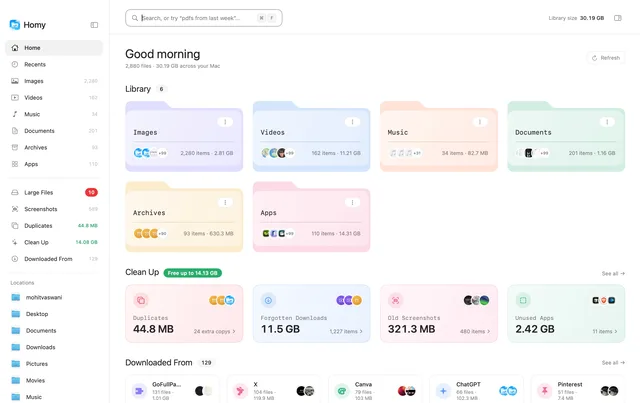
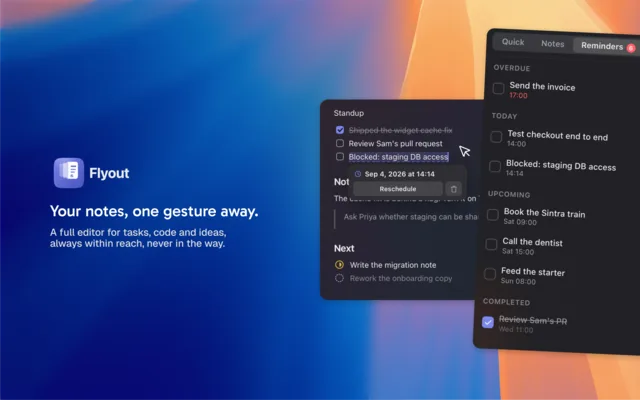
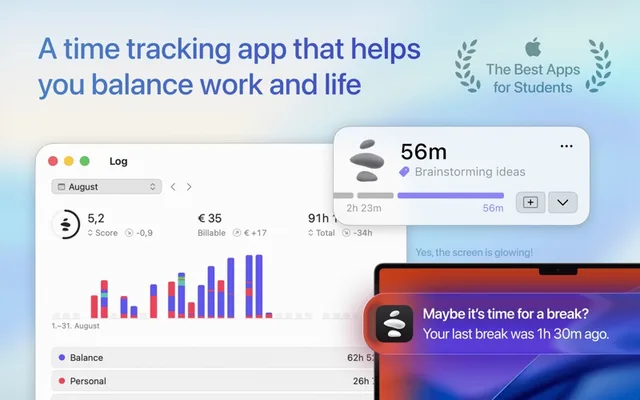
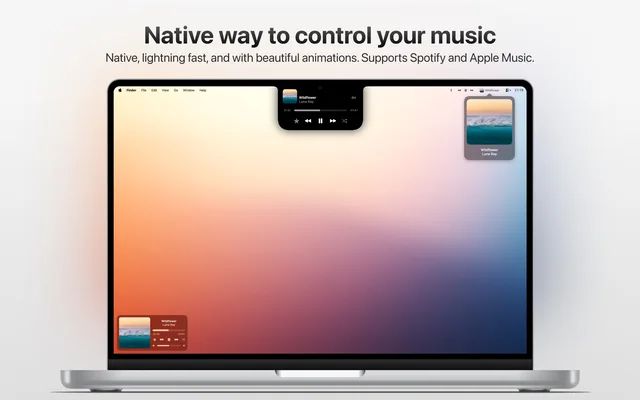
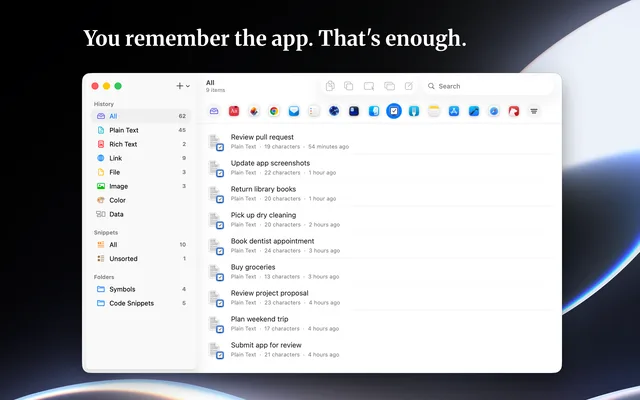
A preview of the store. The apps shown are real Mac apps from Macfolio, used for illustration only and not affiliated with MacShelf.
Signing and notarizing stay yours. Hosting, updates, release notes and the storefront become MacShelf's job.
Like TestFlight, built in. Ship a build to your team first, then open a public beta with an invite link. Testers update automatically on their own channel, and you promote the build to everyone when it’s ready.
Upload a DMG, a PKG or a zipped .app and MacShelf serves it from a global CDN, with a stable download link for your own website.
Point Sparkle at the appcast MacShelf generates, or use the custom update feed. No server to run either way.
Users send bug reports and feature requests from your listing, tagged with their app version and macOS release. Upvotes show you what to build next.
Release notes become a changelog page and a “What’s New” card your users actually see.
Show what is planned, in progress and shipped, and let users tell you what matters to them.
Listing views, downloads, installs, updates and the versions people are running, without adding an SDK.
Every listing is a fast, indexable web page with structured data, so your app shows up where people look.
Build and notarize the way you do today, then hand the result to the MacShelf CLI. Send the build to your testers first, then promote it: the CLI publishes your release notes, updates the appcast and lets your users know. It runs just as well in CI.
$ macshelf publish build/Portly-2.4.0.dmg --channel beta
✓ Checked the Developer ID signature and notarization
✓ Uploaded Portly-2.4.0.dmg (18.2 MB)
✓ Sent 2.4.0 to 48 beta testers

$ macshelf promote 2.4.0 --notes CHANGELOG.md
✓ Published 2.4.0 to the changelog and What's New
✓ Updated the Sparkle appcast
✓ Live at macshelf.hyperdesigned.dev/apps/portlyMany great Mac apps ship outside the Mac App Store. MacShelf gathers them with proper listings, honest reviews and updates that just happen.
Full listings with descriptions, screenshots, requirements and version history, like the App Store.
Explore the catalog by category, and find new apps through curated collections and promotions.
See what other people think before you install, and leave your own once you have.
MacShelf keeps the apps you install from it up to date, so you can stop checking each one.
What people usually ask before joining.
An app store for Mac apps distributed outside the Mac App Store. Mac users get one place to find, install and update them, and developers get hosting, updates, beta testing, feedback and analytics without running any of it themselves.
We're building it now. Join the waitlist and we'll email you when it's your turn. Developers get early access first, so there are apps in the store when it opens to everyone.
Mac apps signed with an Apple Developer ID and notarized by Apple, shipped as a DMG, a PKG or a zipped .app.
Every build has to be signed and notarized, and MacShelf checks both on upload, so macOS keeps verifying each app the same way it does for any download.
No. Your listing comes with a download link for your own website, and Sparkle keeps working with the appcast MacShelf generates. You can also use the custom update feed instead.
Publish a build to the beta channel and it goes to your internal testers first. Open a public beta with an invite link when you are ready, then promote the build to everyone. Testers get each new build automatically.
Pricing isn't set yet. People on the waitlist will hear about it first.
No. MacShelf is an independent store and is not affiliated with or endorsed by Apple.
Developers on the waitlist get early access to publish their apps. Mac users get the first look at the store.